01Why this playbook
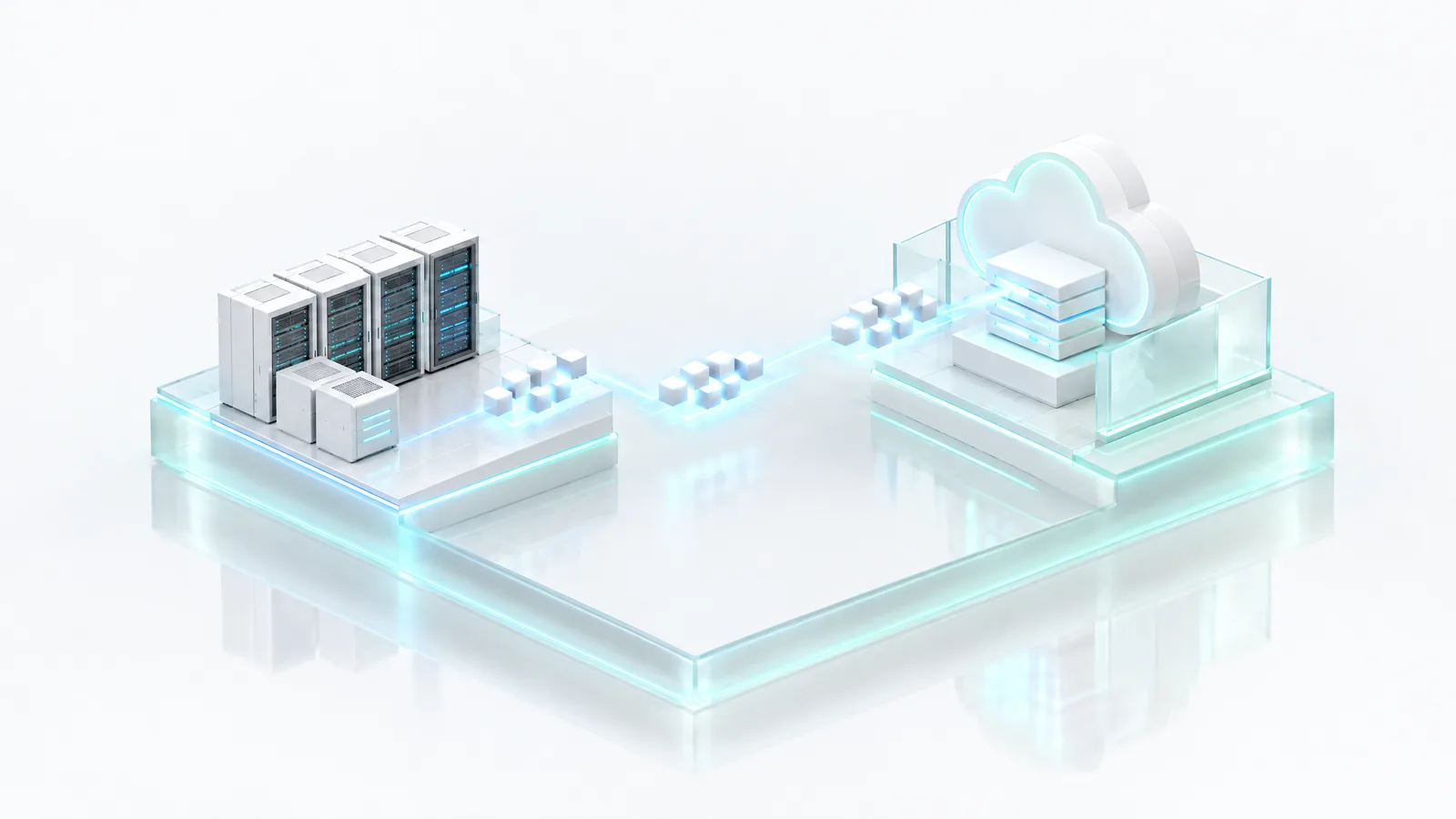
Modernisation is usually sold to you as migration. The pitch is familiar: move the estate into someone else’s cloud, and speed, scale and new services arrive with it. The part that is said more quietly is what you hand over in exchange: the platform, the pricing, the operating model and, in time, the ability to leave.
That trade has a shape worth naming. You can have a cloud that works, or a cloud that is yours. Many migration programmes accept it without ever being asked to, because the first question on the table is “which cloud are we moving to?” rather than “what are we trying to change, and what must stay under our control?”
Migration is a means. Control, cost and capability are the ends.
The reasons organisations modernise are real. Capacity that takes weeks to provision. Backup and recovery that nobody has tested. Security and governance that live in spreadsheets. Infrastructure that cannot scale up or down with demand. Applications that cannot adopt automation, analytics or AI. None of those problems requires giving up the estate to solve.
This playbook is a practical reference for the people who run a migration: how to assess readiness, choose a strategy per workload, plan in phases, execute in waves, keep security intact while things move, and decide where each workload should land. It treats the destination as a decision, not a default.
02Assess your readiness
Every successful migration begins with visibility. Most programmes that stall do so because something important was discovered in the middle rather than at the start: an undocumented dependency, a compliance obligation nobody mapped, a database that three other systems quietly read from.
Build the inventory across four areas before you decide anything about where workloads go.
| Area | What to inventory | Why it matters |
|---|---|---|
| Applications | Business-critical systems, legacy applications, web applications, databases | Sets the order of migration and the strategy for each workload |
| Infrastructure | Physical servers, virtual machines, storage systems, network topology | Shows what can be reused, what is near end of life, and what the target must support |
| Security | Identity and access systems, compliance requirements, security policies, data protection controls | Defines the controls the target must enforce from the first day |
| Dependencies | Application interconnections, API integrations, third-party services, user access patterns | Decides what must move together and what can move alone |
Readiness questions
Once the inventory exists, work through these with application owners, security and the business. The answers shape every later chapter.
- Which workloads should move first, and which should not move at all?
- Which applications need modernising, and which should run as they are?
- What compliance obligations apply to each workload and its data?
- How much downtime is acceptable, per application, and who signs that off?
- Which business risks need mitigating before anything moves?
- What skills and resources are available internally, and where will you need help?
03Choose a strategy per workload: the 6 Rs
Not every workload needs the same migration strategy, and treating the estate as one decision is the most common planning mistake. The 6 Rs give each workload an explicit answer, including the answers that mean it does not move.
| Strategy | What it means | Typical fit |
|---|---|---|
| Rehost | Lift and shift, with no change to the application | Fast migrations and stable workloads with no reason to change |
| Replatform | Minor optimisation during the move, such as a managed database | Existing enterprise applications that benefit from platform services |
| Refactor | Redesign the application architecture | Systems that need to become cloud-native to meet future demand |
| Repurchase | Replace with a software-as-a-service product | Legacy software where a better product already exists |
| Retain | Keep where it is, on premises | Compliance constraints, tight dependencies or recent investment |
| Retire | Decommission the application | Redundant workloads that nobody would miss |
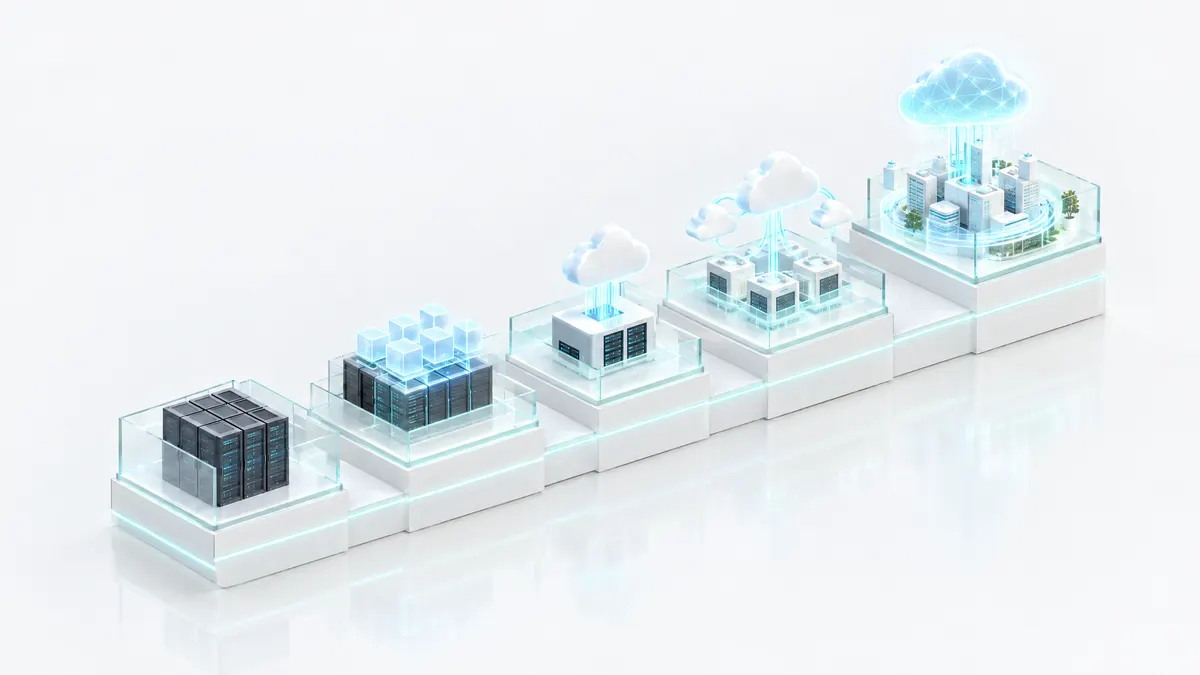
It helps to group the results by intent. Rehost and replatform are quick wins that prove the target works. Refactor is strategic transformation and deserves its own budget and timeline. Repurchase and retire are cost optimisation. Retain is often a compliance decision, and it should be recorded as one, with a reason, rather than left as the default for anything nobody wanted to assess.
One caution. Refactoring is the strategy most often promised and least often finished. Choose it where the business case is clear, not because a platform works best with rewritten applications.
04Build the roadmap in phases
A phased approach reduces risk because each phase produces something the next one depends on. Skipping to execution before the design is settled is how programmes end up rebuilding landing zones halfway through.
| Phase | Activities | Deliverables |
|---|---|---|
| 1. Assessment and discovery | Infrastructure assessment, application inventory, dependency mapping, security review, compliance analysis | Migration readiness report, target architecture design, business case |
| 2. Planning and design | Landing zone creation, network architecture, security framework, backup strategy, governance framework | Migration runbook, risk assessment, implementation plan |
| 3. Pilot migration | Migrate non-critical workloads, performance testing, security validation, user acceptance testing | Lessons learned, an optimised migration process |
The pilot is the phase most often compressed and the one that most repays its time. Choose pilot workloads that are real enough to exercise the network, identity, backup and monitoring paths, and unimportant enough that a failed attempt costs a day rather than a customer. Then change the runbook based on what you learned before the first wave begins.
The business case from phase one should describe outcomes, not a destination. If it only says “move to cloud X”, it will be hard to tell later whether the programme succeeded.
05Execute in waves
Move workloads in controlled waves, ordered by risk. Each wave should be small enough to roll back and large enough to teach you something the next wave needs.
- Wave 1 — development and test environments. Low risk, high learning. Proves tooling, access and the runbook.
- Wave 2 — internal business applications. Real users, tolerant of a planned window, with owners close at hand.
- Wave 3 — customer-facing applications. Only once the process is repeatable and rollback has been rehearsed.
- Wave 4 — business-critical systems. Last, with the most rehearsal, the tightest change control and a tested way back.
Every wave has an explicit entry and exit. Entry means dependencies are confirmed, owners are named and the rollback plan is written. Exit means the checklist below is complete and signed off, not that the servers are running.
Migration checklist
Infrastructure
- Compute and storage resources provisioned and sized
- Networking, security groups and firewall rules in place
- VPN or private connectivity tested end to end
Data
- Database replication running and monitored
- Backups taken and restored successfully, not just taken
- Data integrity checks passed
- Recovery tested against the agreed objectives
Applications
- Functional and performance testing complete
- Security testing complete
- User validation signed off by the application owner
06Keep security intact while things move
A migration is the period when an estate is most exposed: two environments running at once, temporary access granted in a hurry, data in transit, and teams under schedule pressure. Security has to be designed in from the first day, not reviewed after the last wave.
Controls to establish before the first wave
- Identity and access management — role-based access, multi-factor authentication and least privilege, with temporary migration access that expires on its own.
- Data protection — encryption at rest and in transit, and a clear answer to who holds and manages the keys in the target environment.
- Network security — segmentation, firewalls and secured gateways between old and new environments.
- Monitoring — security event logging from both environments, integrated with your SIEM, with threat detection running before production workloads arrive.
Compliance considerations
Map each workload’s regulatory obligations before it moves. Depending on your sector and jurisdiction, your organisation may be assessed against national frameworks such as the UAE’s information assurance standards, ADHICS, the NCA’s Essential Cybersecurity Controls or a national PDPL, and international ones such as GDPR, HIPAA, PCI DSS or ISO 27001.
Two points matter here. First, those assessments attach to your organisation, its scope and its practices; no target platform can be compliant on your behalf. What a good platform does is make the controls enforceable and the evidence easy to produce. Second, migration changes the evidence trail. Plan how you will show where data was, who could access it and which controls applied at every point during the move, not only before and after.
07Common challenges and how to avoid them
Most migration problems are predictable, which means most of them are avoidable. These are the ones that appear most often.
| Challenge | What goes wrong | How to avoid it |
|---|---|---|
| Lack of planning | Dependencies surface mid-wave and force rollbacks | Complete discovery and dependency mapping before the first wave |
| Poor cost visibility | The running cost of the target differs sharply from the business case | Build workload-based cost models before migration, including data transfer and retention |
| Security gaps | Temporary access and parallel environments widen exposure | Implement security by design and expire migration access automatically |
| Application compatibility | Applications behave differently on the target platform | Run pilot migrations and test performance under real load |
| Skills shortages | Internal teams run the old estate and the new one at once | Partner with experienced migration specialists for the peak, and transfer knowledge as you go |
| Business disruption | A large cut-over fails with no clean way back | Use phased waves with rehearsed rollback strategies |
| Lock-in by default | The target’s proprietary services make the next move harder than this one | Record an exit path for each workload as part of its migration decision |
The last row is the one most playbooks leave out. A migration that makes the next migration impossible has not modernised the estate. It has moved the dependency.
08Choose a target model
The destination is a design decision, and different workloads can reasonably land in different places. The choice turns on where data must live, who must govern it, and how much control you need over the platform itself.
| Model | Suited to | What you gain | What to watch |
|---|---|---|---|
| Private cloud | Enterprise applications, compliance-sensitive and performance-sensitive workloads | Full control, stronger security posture, predictable cost structure | You need the platform layer, not just the hardware |
| Hybrid cloud | Gradual migrations, integration with legacy systems | Flexibility, business continuity, reduced risk | Consistent identity, policy and monitoring across both sides |
| Multi-cloud | Vendor diversification, workloads with global reach | Resilience, best-of-breed services | Operational complexity and fragmented governance |
| Sovereign cloud | Government, banking, healthcare, critical infrastructure | Data kept under local jurisdiction, regulatory alignment, national control | Whether control extends beyond data location to operations, identity and keys |
A useful test for any target: can you describe, for each workload, where its data lives, who operates the platform it runs on, who holds the keys, and how you would leave? If any of those answers is “the provider decides”, that is part of the trade, and it should be a conscious one.
09Measure success
Decide what success means before the first wave, and measure the baseline while the old estate is still running. Without a baseline, every result is an anecdote.
| Operational | Business | Security |
|---|---|---|
| Application availability | Cost savings against the business case | Compliance scores |
| Response time | Time to market for new services | Security incident reduction |
| Infrastructure utilisation | Employee productivity | Recovery time objectives met in testing |
| Incident reduction | Customer experience | Recovery point objectives met in testing |
Set the targets yourself, from your own baseline and your own business case, rather than borrowing them from a vendor’s brochure. Report them per wave, so that a problem in wave two changes the plan for wave three. And keep measuring after the last wave: the running cost of the target in year two is a better test of the decision than the cost of the move.
10Where Oasis Stack fits
Oasis Stack is a cloud platform that runs above infrastructure you already own and publishes it as services. It works across CloudStack, OpenStack, VMware, Kubernetes, bare metal and GPU, on x86 and ARM, on premises or in a colocation facility you choose. That makes it a target that does not require the estate to leave, and it means no lock-in to any infrastructure vendor.
From VMware
For VMware estates, the move is at the management tier, not the hypervisor. ESXi and vCenter stay where they are. Oasis Stack replaces vCloud Director and Aria, existing tenants move across in waves, and the old tier is retired when the last tenant is off it, so there is no single cut-over day. Moving storage from vSAN to Ceph is optional, and it is a real data migration, planned as its own workstream. See Migrate from VMware.
From Red Hat
For Red Hat estates, the OpenShift control plane and the cloud management platform above it are replaced, along with the RHEL entitlements that tier required at the infrastructure layer. RHEL running inside customer virtual machines stays exactly as it is; a guest operating system is licensed by whoever runs it. See Migrate from Red Hat.
For the workloads themselves
Cloud Foundation provides the target services a migration usually needs: compute, storage, networking, Kubernetes, managed databases (PostgreSQL, MySQL, MariaDB, MongoDB and Microsoft SQL Server) and backup and disaster recovery across DR tiers 0 to 3. Digital Transformation covers application modernisation, and runs legacy applications as they are where refactoring is not worth it. Governance, Security and Compliance, adopted when needed, provides identity, policy and audit, so the controls in chapter six are enforced by the platform rather than tracked by hand.
Who does the work
You can run the platform yourself or have the Oasis Stack team operate it under a support contract. CloudHost’s setup services include architecture, deployment and migration — infrastructure, application and database migration, and workload assessment — alongside platform operations, governance and support in three layers, L1, L2 and L3. See the operating model.